What a Nest camera keeps when the cloud plan is cancelled
On a Google Nest camera or doorbell, cancelling Google Home Premium does not turn the hardware into a blank brick. Google’s help pages say you can still open the live video stream in the app with or without a subscription. What ends with the paid plan is the longer cloud clip history: when the subscription ends, that video history is deleted, and unsaved clips are gone with it.
What still runs, and what the plan was carrying
- Still works: Google’s Nest video-history help page states that you can access your camera’s live video stream anytime in the app, whether or not you have a subscription.
- Stops working: Google’s Store cancellation page for Google Home Premium says that when the subscription ends, your video history is deleted and sound clips are deleted over time. The same page warns that cancelling means you lose sound-detection clips and any videos you have not saved.
- Needs subscription: Event video history for many days, and 24/7 video history on eligible models, are subscription features on Google’s Nest Aware / Google Home Premium comparison table. Without a plan, newer models such as Nest Cam (battery) or Nest Doorbell (battery) are limited to up to three hours of event video history; many older models drop to short photo snapshots of activity instead of a multi-day clip library.
- Needs previous owner removed: Not applicable when you are ending Google Home Premium or Nest Aware on an account you control. The cancellation page is about stopping your own Store subscription, not about reclaiming a camera from someone else’s login.
- Can work offline: Google’s “how Nest cameras store recorded video” page says listed Nest Cam and Nest Doorbell models can keep up to about one hour of events in internal memory while offline, then upload those events and clear them from the device when the camera reconnects to the Nest service. That page also says the internal memory is not accessible to you for security reasons. That is not the same as a removable card you can take out and play on a computer.
- Last checked: September 29, 2026. Pages opened: Learn how Nest cameras store recorded video; Event and 24/7 video history; Delete video history and snapshots; Cancel your Google Store subscription; How to create, save, and download video clips.

What sits on the camera, and what sits on Google’s servers
Google’s storage help page is blunt about where Nest recordings are meant to live. Nest cameras and doorbells upload video to the cloud when they have Wi-Fi and a connection to the Nest service. Once that upload succeeds, you review the footage from the account side: the Google Home app, Google Home for web, or, for older setups, the Nest app.
Some models keep a short backup on the device itself when the network drops. Google lists Nest Cam Indoor (wired, 3rd gen), Nest Cam Outdoor (wired, 2nd gen), Nest Cam (wired), Nest Cam (battery), Nest Doorbell (battery), and certain wired Nest Doorbell generations among the devices that can store offline events in internal memory. That buffer is small. Google says those devices have enough on-device storage for up to one hour of events. When the camera comes back online, the locally held video is uploaded to the cloud and removed from the camera’s internal memory. Google also states that, for security reasons, you cannot open that internal memory yourself.
So the “file on a card” picture that fits some other cameras does not match what Google describes for Nest. There is no owner-readable microSD library in those help pages. The durable clip history you scroll through after a delivery or a motion alert is account video history on Google’s servers. The short offline buffer is temporary, closed to you, and cleared after upload.
Live view is a separate path. The event-history page says Nest cameras can stream live video, and that you can open that live stream in the app with or without a subscription. Watching the porch right now is not the same product as replaying last week’s package drop from cloud history.
What changes when you cancel the plan
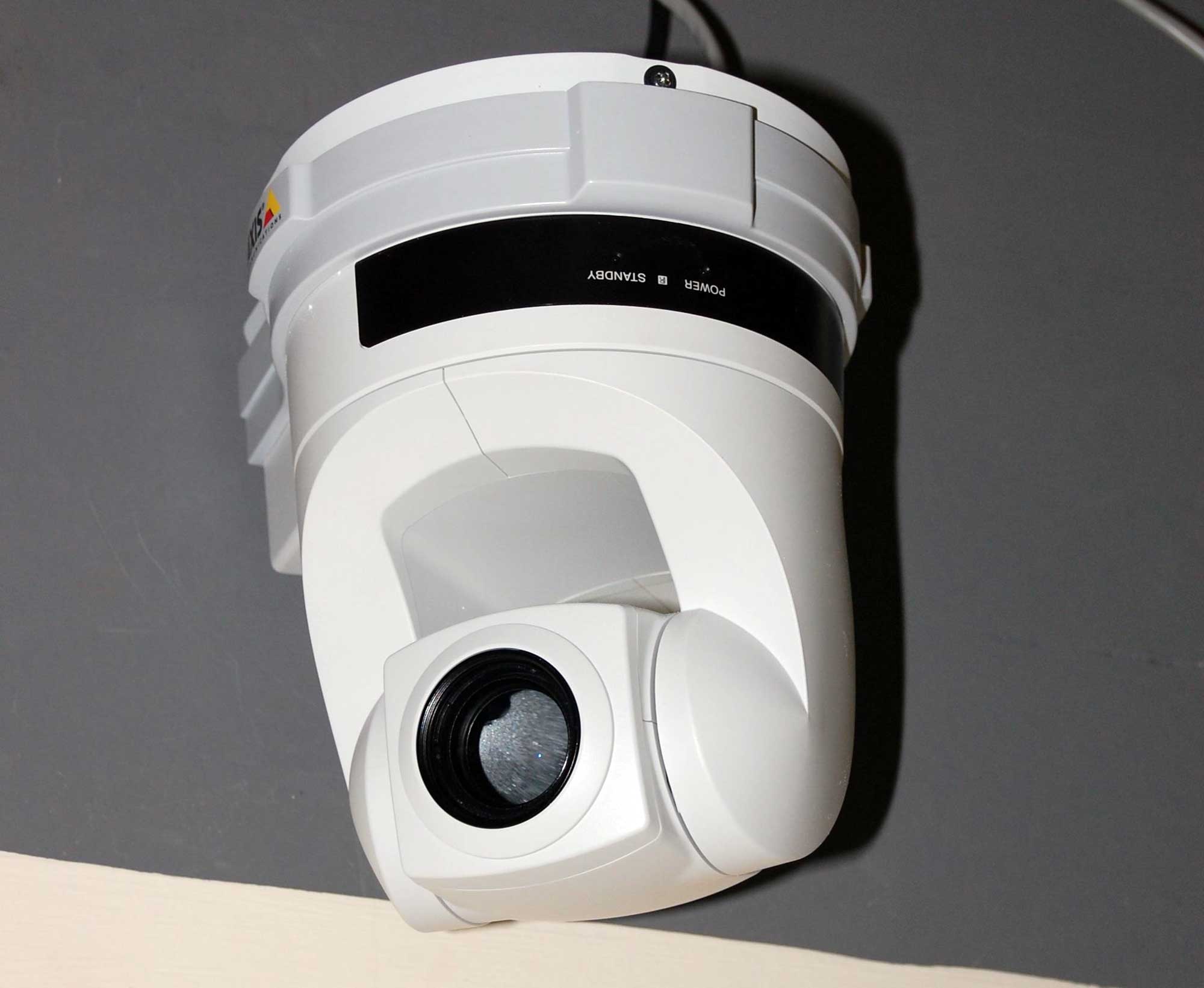
Google’s Store cancellation article for Google Home Premium says you keep the service through the billing period you already paid for after you stop renewal. When that subscription ends, the same page says your video history is deleted and sound clips are deleted over time. The tip at the top of the cancel flow is practical: before you cancel, save the clips that matter, because unsaved videos and sound-detection clips are what you lose.
Google’s delete-history page lines up with that timeline. If you have Google Home Premium or Nest Aware, history and snapshots expire after the retention window for your plan, and they are deleted at the end of your billing period. If you still have Nest Aware (1st gen), that page also says history and snapshots are deleted when you cancel that subscription.
What remains without the plan depends on the model Google lists in its comparison table, not on a promise that every camera keeps recording the same way. Nest Cam (battery) and Nest Doorbell (battery) can still get up to three hours of event video history with no subscription. Many older Nest cameras and doorbells, without a plan, are limited to photo snapshots of detected activity for up to about three hours. Event history measured in weeks, and 24/7 continuous cloud recording on eligible wired setups, sit on the paid tiers in that table.
Fair contrast with What a Peloton can still do after the membership ends: Peloton’s classes are service content on the membership. Nest’s multi-day clip history is also service content on Google Home Premium or Nest Aware. Nest’s storage page does not describe an owner-owned card library. Its offline buffer is short, closed, and meant to feed the cloud when the link returns.
What to open on Google’s help pages before you decide
Open Google’s current Nest storage page at https://support.google.com/googlehome/answer/9242083?hl=en. That is the page that separates cloud upload from the short offline internal buffer, and that says the internal memory is not accessible. This article opened that page on September 29, 2026.
Open the event and 24/7 video history page at https://support.google.com/googlenest/answer/16593318?hl=en on the same date. Find your exact model in the retention table. Check the live-stream sentence that applies with or without a subscription, and check what your model keeps at the $0 tier versus Nest Aware or Nest Aware Plus.
Open the Google Store cancellation page at https://support.google.com/store/answer/11264766?hl=en. Read the Google Home Premium section that says video history is deleted when the subscription ends, and the tip to save important clips first. Confirm the end of your current billing period in your Google Store subscriptions list so you know when paid retention stops, not only when you clicked cancel.
In the Google Home app, open the camera and look at whether you are looking at a live stream or at a history timeline. Those are different features on Google’s pages. Live view can remain. The long timeline is what the plan was paying for.
What to save before the billing period ends

Google’s cancel tip points you to saving clips before you lose them. The how-to page at https://support.google.com/googlenest/answer/9207572?hl=en, opened September 29, 2026, describes where those files go.
In the Google Home app, you open the camera, find an event in video history, open Controls, and tap Save clip. Google says that saves the video clip to your phone, and from there you can share it through email or other apps. On Google Home for web at home.google.com, Save clip saves the video clip to your computer. On older Nest-app workflows, Save to photos downloads the clip to the phone or tablet, and the Nest web app at home.nest.com can Download a clip to the computer.
Google also says Home-app downloads are limited to detected events in video history, and that your camera’s maximum clip length setting limits those downloads. On Nest-app storage, you can keep up to three hours of clips and may need to download and delete clips to free space. Do the Save clip or Download step while the billing period—and the history—still exist.
One Nest fact that belongs to this product
Google’s storage page states that after listed Nest cameras and doorbells reconnect, locally stored video is uploaded to the cloud and removed from the camera’s internal memory, and that the internal memory is not accessible for security reasons. That single pair of sentences is why a cancelled Nest plan is not the same situation as a camera that leaves completed files on a card in the housing. The lasting library Google describes is cloud video history tied to the subscription timeline. The on-device piece is a short, closed buffer that empties into that cloud path.
The mistake that makes this worse
The harmful mistake is cancelling Google Home Premium, skipping Save clip, and then assuming last month’s motion events are still sitting inside the Nest camera the way files sit on a removable card. Google’s cancellation page says unsaved videos are what you lose, and that video history is deleted when the subscription ends. Relying on the housing as a private archive after that date invents a storage model Nest’s help pages do not give you. Save the events you need to your phone or computer first. Treat live view as live view. Treat cloud history as account data with an end date.
Read next: What a Peloton can still do after the membership ends. Which Oura Ring measures remain after the membership stops.