Which Tesla connectivity features stay with the car after it is sold
On a Tesla, the car you drive and the Tesla account that opens the app are different things. Hardware and many on-screen driving features stay with the vehicle. App remote controls, camera views tied to the account, and a paid Premium Connectivity subscription stay with the seller until that person removes or transfers the vehicle in the Tesla app—and Tesla’s connectivity page says a Premium Connectivity subscription cannot be moved to another vehicle.
What stays after the sale, in one place
- Still works: The vehicle itself keeps working as a car. Tesla’s connectivity page attaches Standard Connectivity to the vehicle for a stated term (eight years from first delivery or service for many cars, or for the lifetime of the vehicle when Tesla’s eligibility table says so). Where Tesla says free Premium Connectivity is for the lifetime of the vehicle—for example vehicles ordered on or before June 30, 2018, or certain used and private-sale cutoffs—that benefit is described as staying with the car for later owners.
- Stops working: Removing the vehicle from the seller’s Tesla account ends all paid subscriptions for that vehicle. Tesla also states that a Premium Connectivity subscription cannot be transferred from one vehicle to another. After a transfer or removal, vehicle information and app access leave the previous owner’s account.
- Needs subscription: For vehicles that are only eligible to subscribe (not lifetime Premium), cellular Premium features such as live traffic visualization, Sentry Mode live camera viewing, satellite-view maps, and in-car streaming over cellular require Premium Connectivity after any trial ends. Tesla lists monthly and annual purchase options on the vehicle touchscreen or in the Tesla app.
- Needs previous owner removed: Yes. Tesla’s add-or-remove page and owner’s manual say the seller must remove or transfer ownership in the Tesla app under My Products. Each vehicle can have only one owner and one Tesla account at a time. A factory reset is listed for security before that removal.
- Can work offline: Driving the car does not require Premium Connectivity. Tesla separates Wi-Fi and cellular: some Standard Connectivity features run over Wi-Fi, and music can stream over Bluetooth under Standard Connectivity. Live camera viewing and other Premium cellular items are not described as offline account-free tools.
- Last checked: September 29, 2026. Tesla Support pages for Connectivity and How to Add or Remove Vehicles in the Tesla App, plus the Model 3 Owner’s Manual topic Manage Vehicle Ownership.
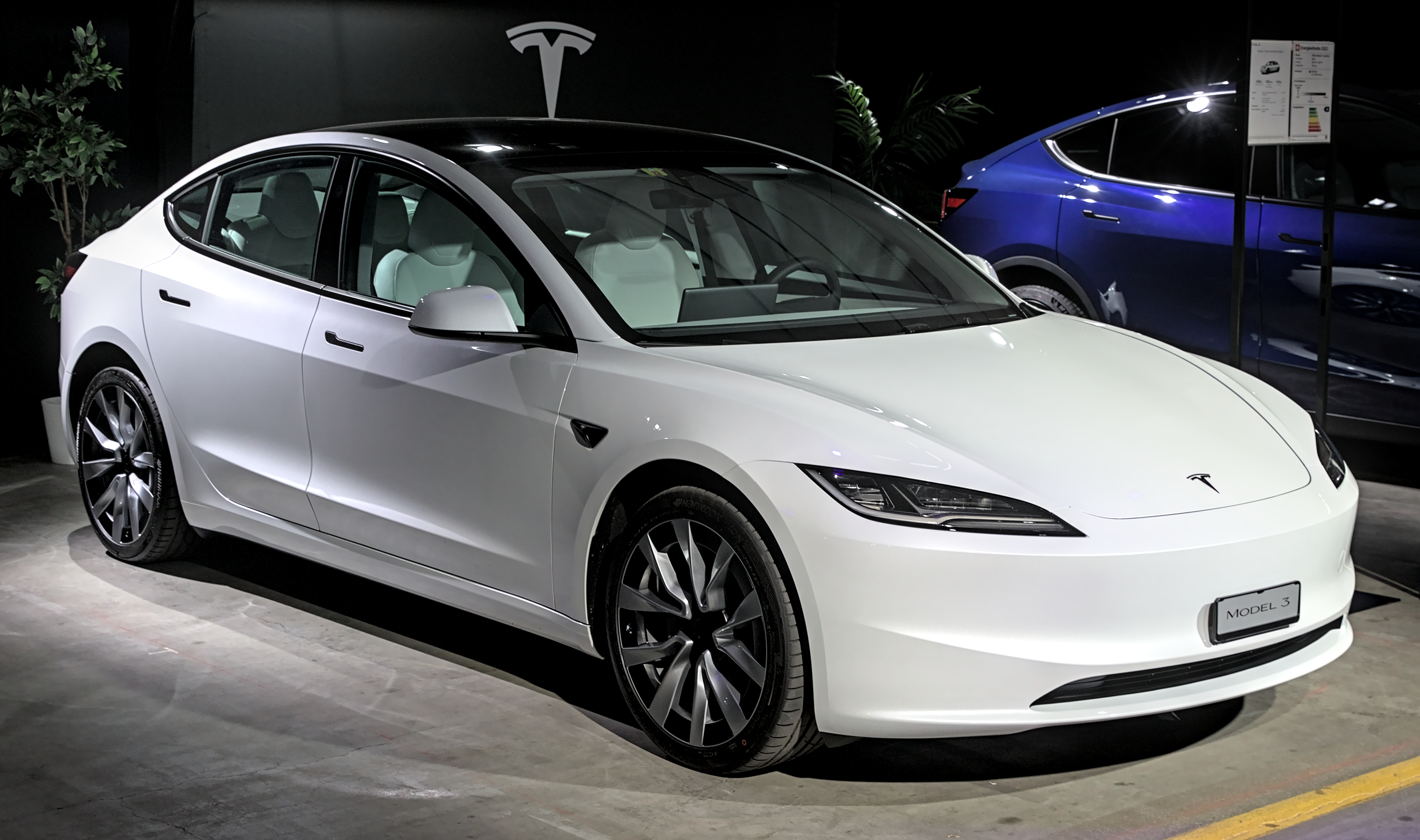
_Auto_Zuerich_2023_1X7A1313.jpg)
What lives in the car versus the Tesla account
Think of three layers. First is driving the car: steering, braking, and the cabin controls that do not need a seller’s phone. Second is connectivity on the vehicle’s own plan. Tesla says all vehicles get Standard Connectivity, which includes basic maps and navigation and music streaming over Bluetooth, and which can use Wi-Fi for many connectivity features. Premium Connectivity adds the ability to use the full connectivity set over cellular—including live traffic visualization, Sentry Mode live camera viewing, satellite-view maps, video streaming, Caraoke, music streaming, and the internet browser, subject to hardware and firmware notes on the same page.
Third is the Tesla account and app. Remote app controls, claiming Supercharging and roadside features through the app, and the link that shows the car under My Products sit on that account. Tesla’s transfer guidance is clear that transferring ownership is not the same as adding a driver. Adding a driver gives someone access. Transferring ownership gives the new owner the app features for that vehicle and removes vehicle information and access from the previous owner. Only one owner and one Tesla account are allowed on a vehicle at a time.
Premium Connectivity is purchased from the vehicle touchscreen or the Tesla app while the vehicle is on your account. Tesla’s connectivity FAQ answers a direct transfer question: you cannot move a Premium Connectivity subscription from one vehicle to another. If you need Premium on a different eligible car, you cancel on the first and subscribe on the second. That is a person-and-account purchase path, not a title sticker.
What actually changes when the car is sold
Compare this with What a Peloton can still do after the membership ends. A Peloton membership is a person’s subscription. It does not travel with a sold bike, and the class library is not described as sitting in the crank. A Tesla feature transfers with a sold car only when Tesla’s own page says that feature stays with the vehicle. A paid Premium Connectivity subscription does not get that treatment: Tesla says it cannot be transferred to another vehicle, and removing the car from the seller’s account ends paid subscriptions for that vehicle.
Some Premium access does follow the car when Tesla labels it lifetime Premium for the vehicle—for example vehicles ordered on or before June 30, 2018, and certain used purchases from Tesla on or before January 8, 2020 that Tesla says remain active for future owners if sold privately. Private or third-party transfers on or after January 21, 2020 that do not already have lifetime Premium or an active trial get a 30-day Premium trial starting on the ownership-transfer date, then the buyer must subscribe if they want Premium to continue. Do not treat a bill of sale as if it copied the seller’s paid plan onto the buyer’s account.
App access is the other half. Until the seller removes or transfers the vehicle, the previous owner’s Tesla app link is not closed by paperwork alone. Phone keys and app logins can remain until someone completes Tesla’s removal or transfer steps. A bill of sale does not close the app.


What the buyer and seller can check
Open Tesla’s current Connectivity support page at https://www.tesla.com/support/connectivity. On September 29, 2026, that page was the source for Standard versus Premium feature lists, the rule that a Premium Connectivity subscription cannot move to another vehicle, the lifetime and used-vehicle tables, and the private-sale trial language. Also open https://www.tesla.com/support/how-add-or-remove-vehicles-tesla-app for the remove-or-transfer path, the one-owner rule, and the note that paid subscriptions end when the vehicle is removed. The Model 3 Owner’s Manual topic Manage Vehicle Ownership restates factory reset before removal and the same My Products path.
In the car, the buyer should look at the Software tab for Premium Connectivity status after ownership is on their account. In the app, Tesla says you can check under Upgrades and Manage Subscription. The seller should confirm the vehicle no longer appears under My Products after the transfer or removal finishes. Both people should expect email confirmation when a transfer completes; Tesla says that process can take three to five business days.
What each person does before the handoff
Tesla’s owner’s manual tells the seller to perform a factory reset for security before removing the vehicle from the account: Controls, then Service, then Factory Reset. The car asks for the Tesla account username and password. Tesla notes you cannot run that factory reset after the vehicle is already removed from the account, so the order matters.
After the reset, the seller opens the Tesla app, goes to My Products, selects the vehicle, and chooses Remove or Transfer Ownership, then follows the prompts. Tesla says to do this only when you no longer own the vehicle or no longer need any access. Removing the vehicle ends all paid subscriptions for it and removes incentives held by the original owner; those incentives cannot be restored. If the path is a transfer to a named new owner, both people get email confirmation when it finishes. Tesla warns that Supercharging credits, upgrades, subscriptions, and some other features might not be transferable.
The buyer creates a Tesla account if needed. The clean path is asking the previous owner to transfer in the app. If that is not possible, the buyer can claim ownership in the app with Wi-Fi access to the vehicle, the VIN, personal identification, and proof of ownership such as registration, title, or bill of sale. Tesla says that claim can take three to five business days. This article does not invent an export of the seller’s trip history or a side path around those steps.


One fact that belongs to this transfer
Tesla’s connectivity page answers the subscription question in one line: a Premium Connectivity subscription cannot be transferred to another vehicle. Separately, the add-or-remove page says removing a vehicle from a Tesla account ends all paid subscriptions for that vehicle. Together, those sentences mean a buyer should not assume the seller’s paid Premium month or year rides along with the title. Where Tesla grants lifetime Premium or a private-sale trial, that is a vehicle rule Tesla publishes by date—not an automatic copy of whatever plan the seller was paying for last week.
The mistake that makes a sale worse
The harmful mistake is assuming the title closed the seller’s app access, or assuming Premium Connectivity transferred because the car changed hands. Tesla’s pages put app removal and paid-subscription ends on the remove-or-transfer action in the Tesla account. They put Premium plan moves between vehicles behind a flat no. Driving away with the key card does not finish that work. Leaving the car on the seller’s My Products list leaves account-tied controls and subscriptions in the wrong place. Assuming the paid Premium plan followed the VIN without reading Tesla’s lifetime, used, and private-transfer tables sets the buyer up for a surprise when cellular live traffic, live Sentry viewing, or streaming over cellular stop after a trial—or never appear as the seller’s old paid plan.
Read next: What a Peloton can still do after the membership ends. What the old owner’s car app can still see after a private sale.